
Video Review · 5 steps
Talk through it: say what you think and get the notes
Watch a cut, say what you think, point at what you mean, and post notes that sit on the exact frame. One take, several notes, each one clear enough to fix first time.
Typing a note and recording a voice note work exactly as before. This is another way in.
1Find the green button
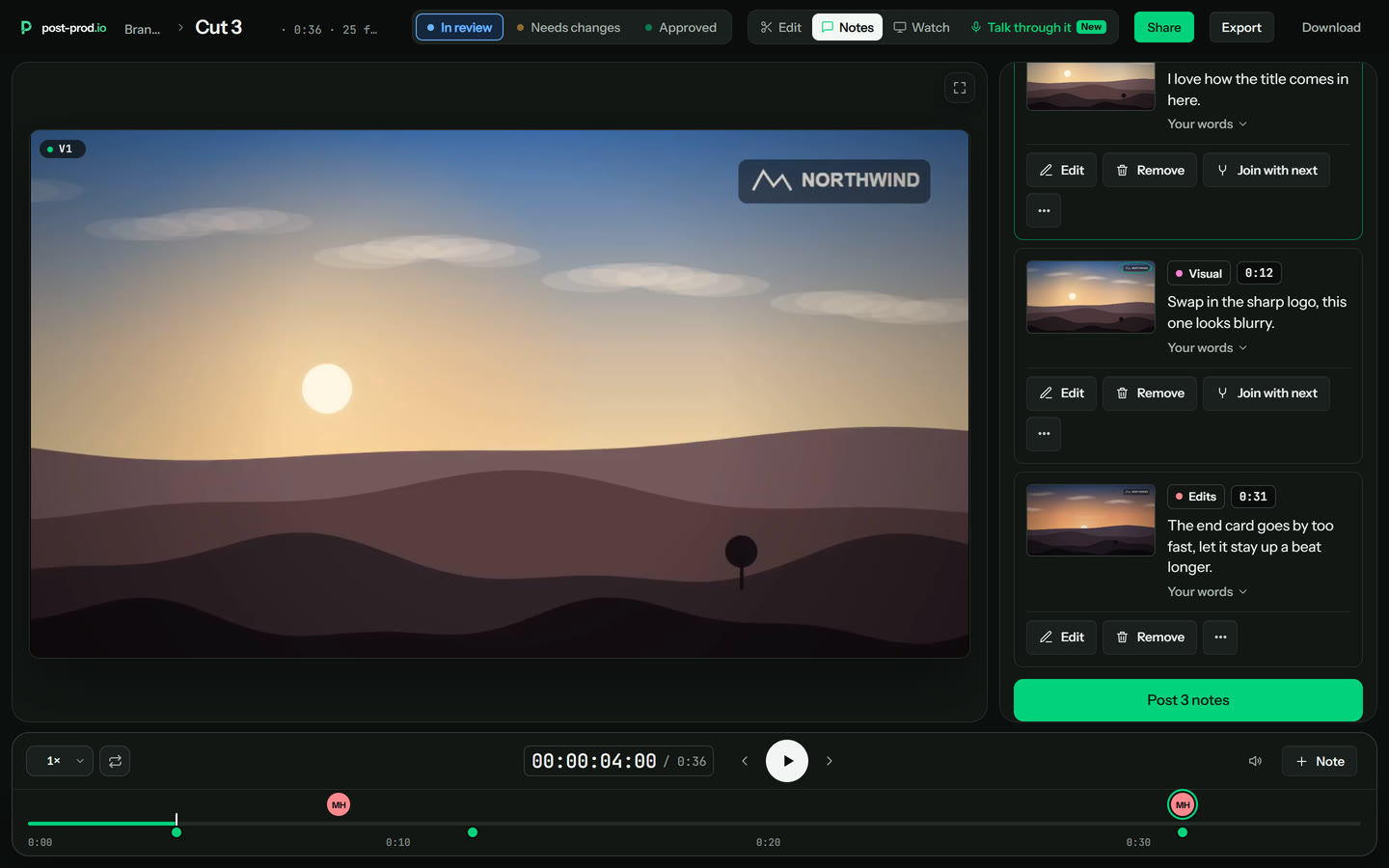
Under the picture there is a bar that says Talk through it. It is also in the bar at the top. Press it. Typing a note and the microphone button are still where they were.
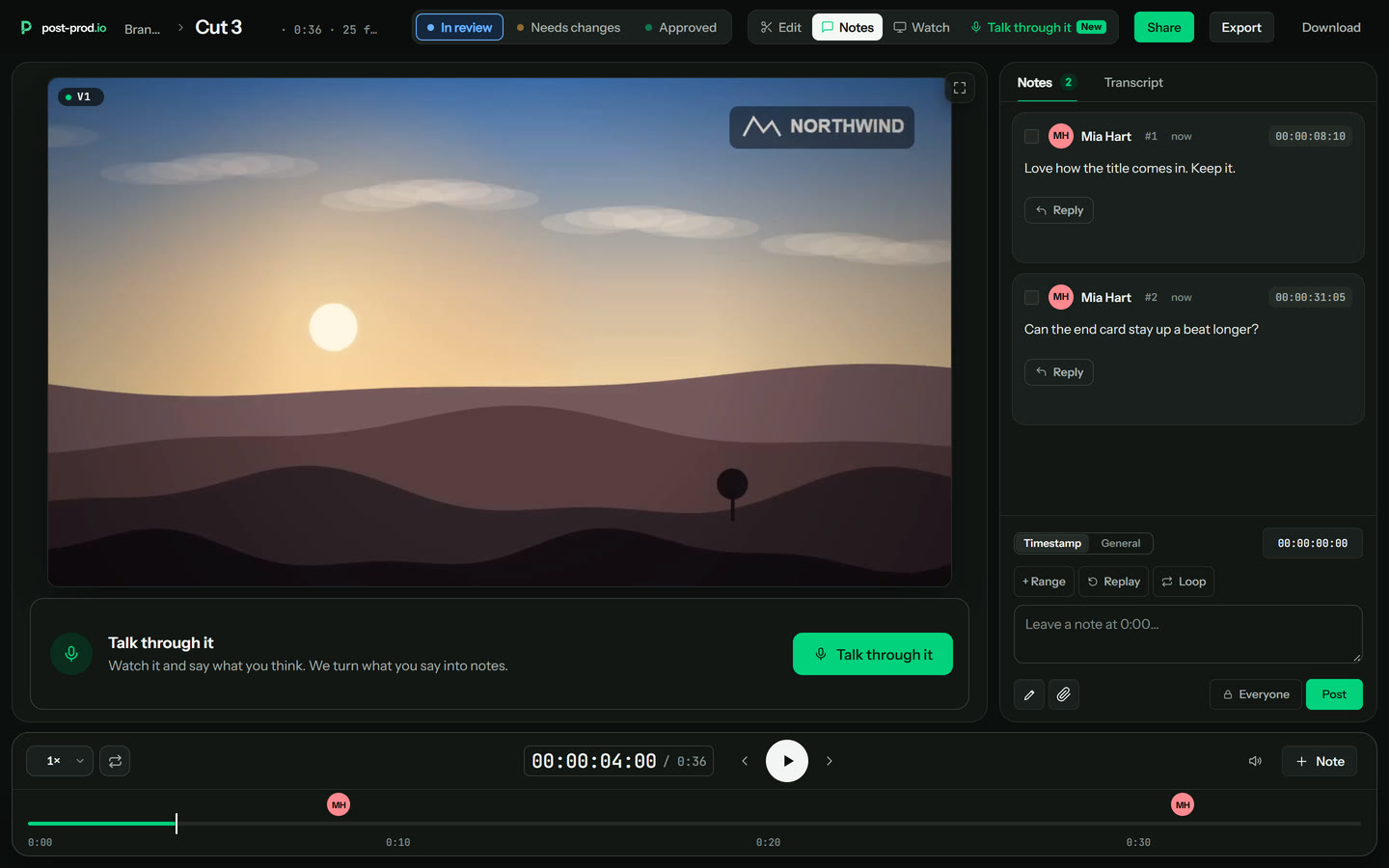
2Read the three-line guide, once
The first time, a short guide explains it in three lines. Press Start talking. Your browser asks to use the microphone: click Allow. If it picks the wrong one, press Mic in the bar to choose another. This guide does not come back.
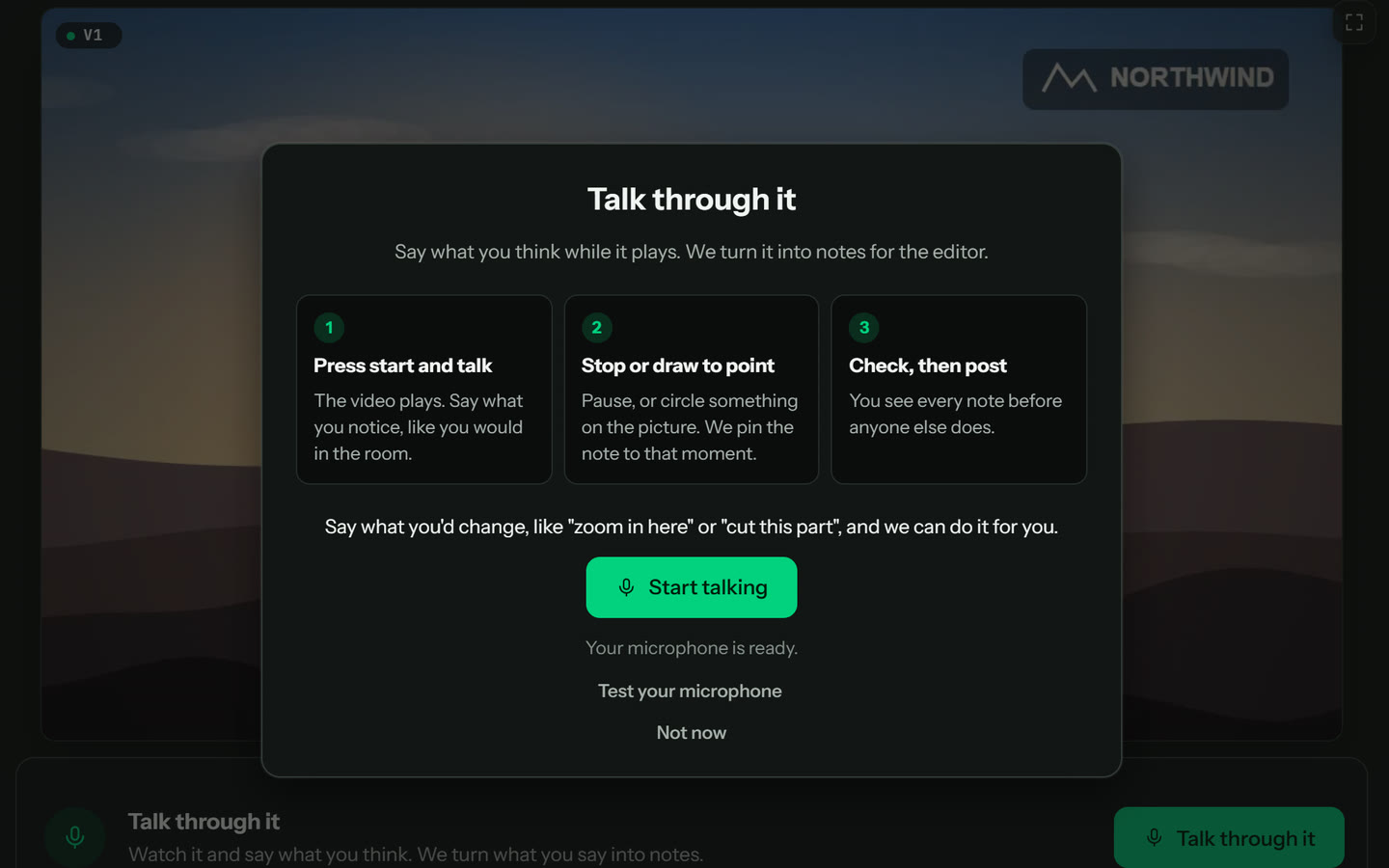
3Talk while it plays
The video plays and your words appear as you speak. Say what you notice. Pause whenever you want to look closer. To mark a part, drag across the strip under the video, press I where it starts and O where it ends, or say “from here… to here”.
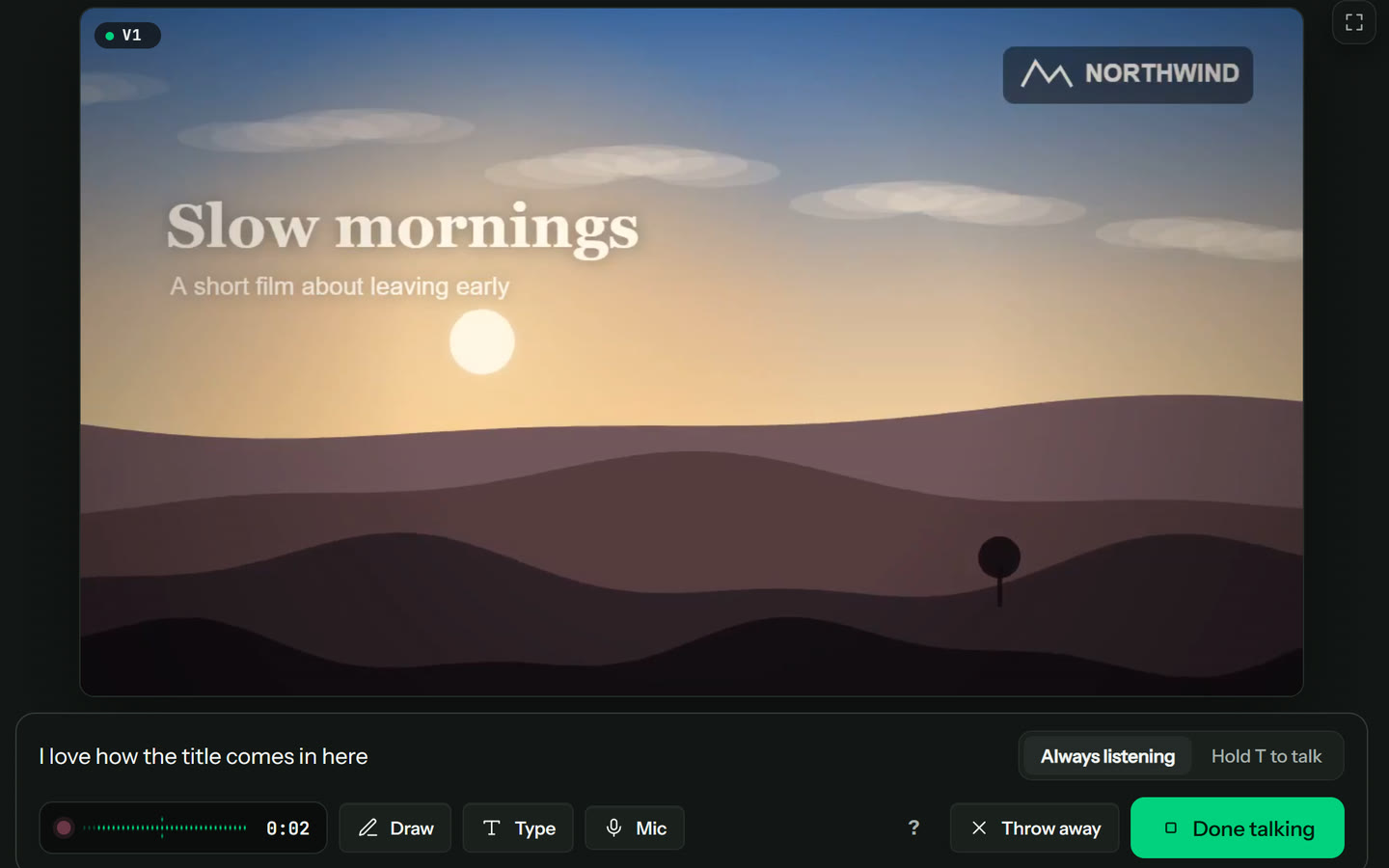
4Draw to point
Draw on the picture to show which thing you mean. The video waits while you draw and carries on when you stop. Pick a pen, a size and a colour from the row under the picture; Fill colours a closed shape.
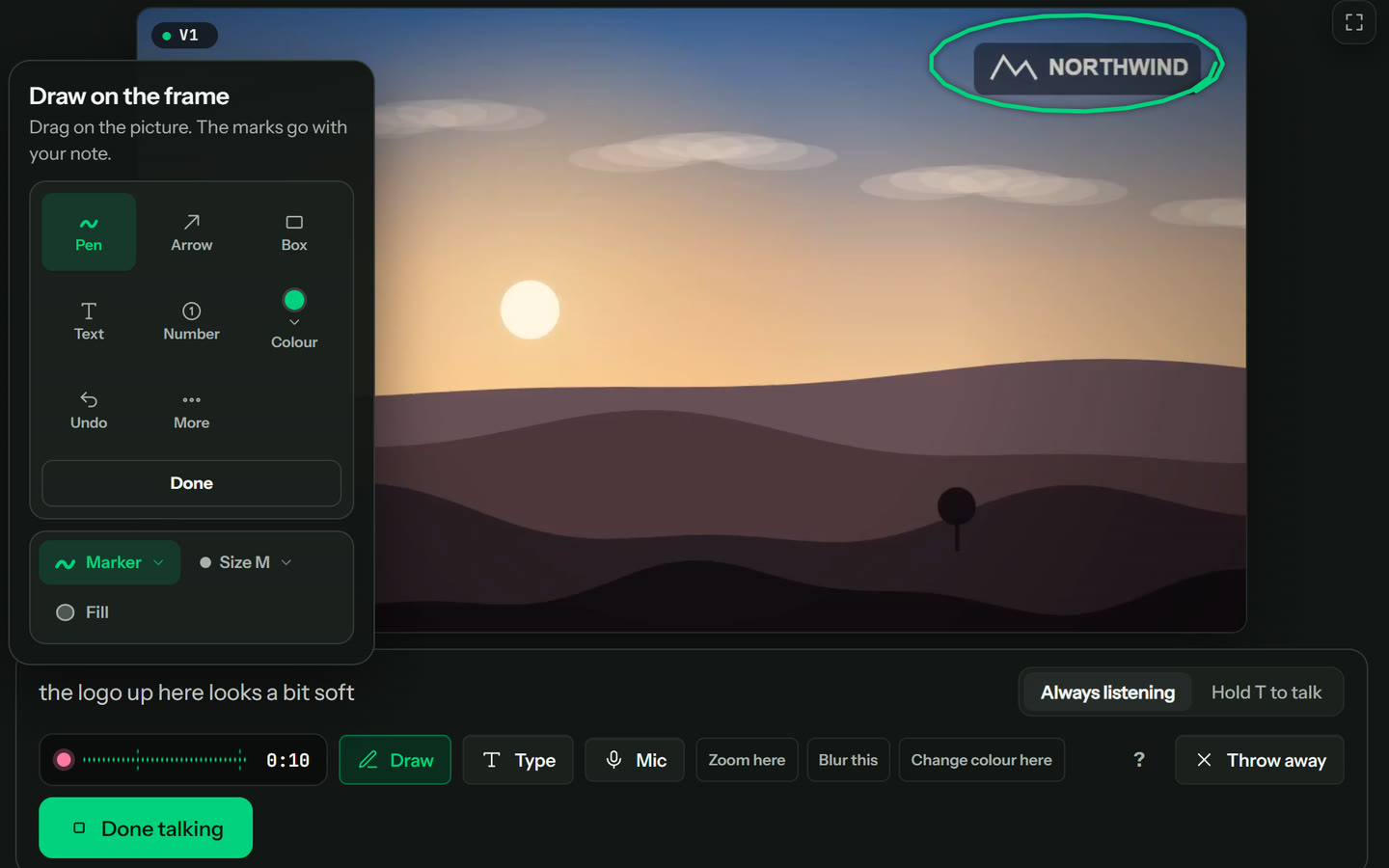
5Check, then post
Every point is its own note with its frame and your drawing. Edit one, remove one, join two, or undo a slip. Your own words are folded under each note. Nobody else sees them until you press Post.
Things you can say
Say what you'd change and we offer to make it. The note shows “We can make this change for you”, with a tick, “Make it after posting”. Post it and the change appears as a suggested edit in Edit, for your editor to play before anything is touched. Untick it to keep just the note. The time comes from when you said it, and the area from what you drew.
- “Zoom in here.”
- “Add subtitles here.”
- “Blur this.”
- “Cut this part.”
- “Speed this up.”
- “Make it warmer.”
- “Turn the music down here.”
- “Keep this, it's great.”
Good to know
- Guests can do it from a review link, with no account and nothing to set up first.
- Typing a note and recording a voice note work exactly as before. Talking it through is another way in, never the only one.
- Pick your microphone with Mic in the bar, or press Test your microphone first. Your choice is remembered on this browser, and if the microphone is unplugged your recording is kept while you pick another.
- Drew something and have nothing to say? Pick Zoom here, Blur this or Change colour here.
- It hears one voice per take. Prefer to talk only when you choose? Hold T while you speak.
- Stuck or changed your mind? Press Throw away: you can undo it for a few seconds. The question mark in the bar lists everything you can do.
- Writing up a take uses your workspace's monthly AI allowance, like a voice note does.
Guests can do all of this from a review link, with no account.
Short version: the Help guide. More: what Talk through it does.
Try it on your own cut
Every review tool. $10 per admin a month ($8 billed yearly). Unlimited guests. Cancel any time.