
Say what you think, and get notes that are clear enough to fix first time
Most rounds happen because a note was vague. Talking is how people explain things best, so talk. Each point you make becomes its own short note on the exact frame, with your words kept underneath, and the editor knows what to change the first time.
Just watch and talk
Press Talk through it and say what you notice while the video plays. Typing and voice notes still work exactly as before.
Point at it
Pause, or draw on the picture. Mark a part by dragging across the timeline, or by saying “from here… to here”. Each point is pinned to its exact frame, or to a stretch like 0:12–0:20.
One take, several notes
Each point becomes its own short, clear note, one change per note, with your own words one tap away. You check them, then post.
Say what you'd change
“Zoom in here”, “add subtitles”, “blur this”, “cut this part”, “speed this up”, “make it warmer”, “turn the music down”. We can make the change for you, as a suggested edit in Edit.
Guests can do it too
On a review link, with no account and nothing to learn first. If the first microphone is the wrong one, pick another in the bar.
Easy to find, easy to leave
A short guide the first time, a question mark that lists what you can do, and a Throw away button that puts you back where you were.
See it in the room
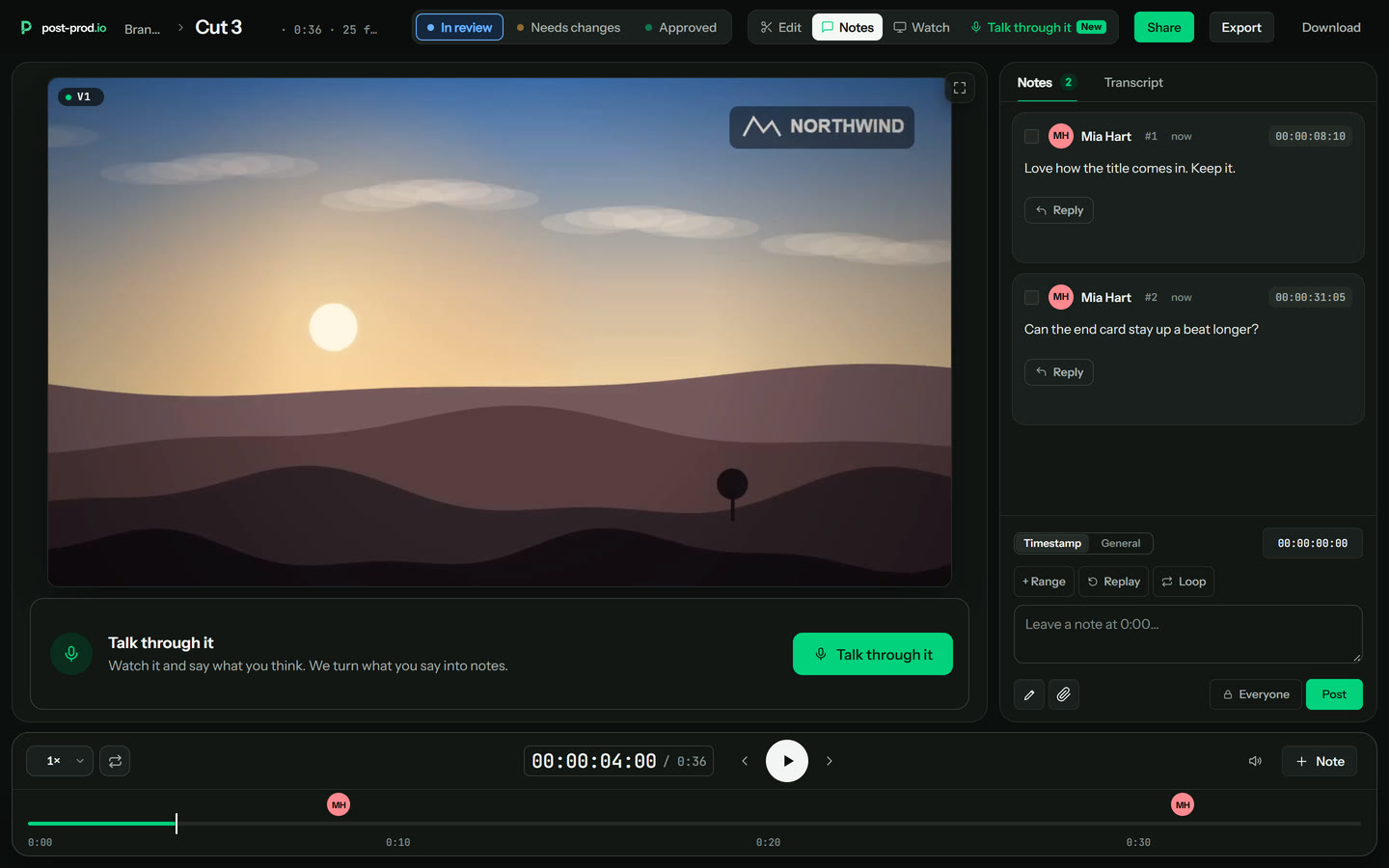
1.Find the green button 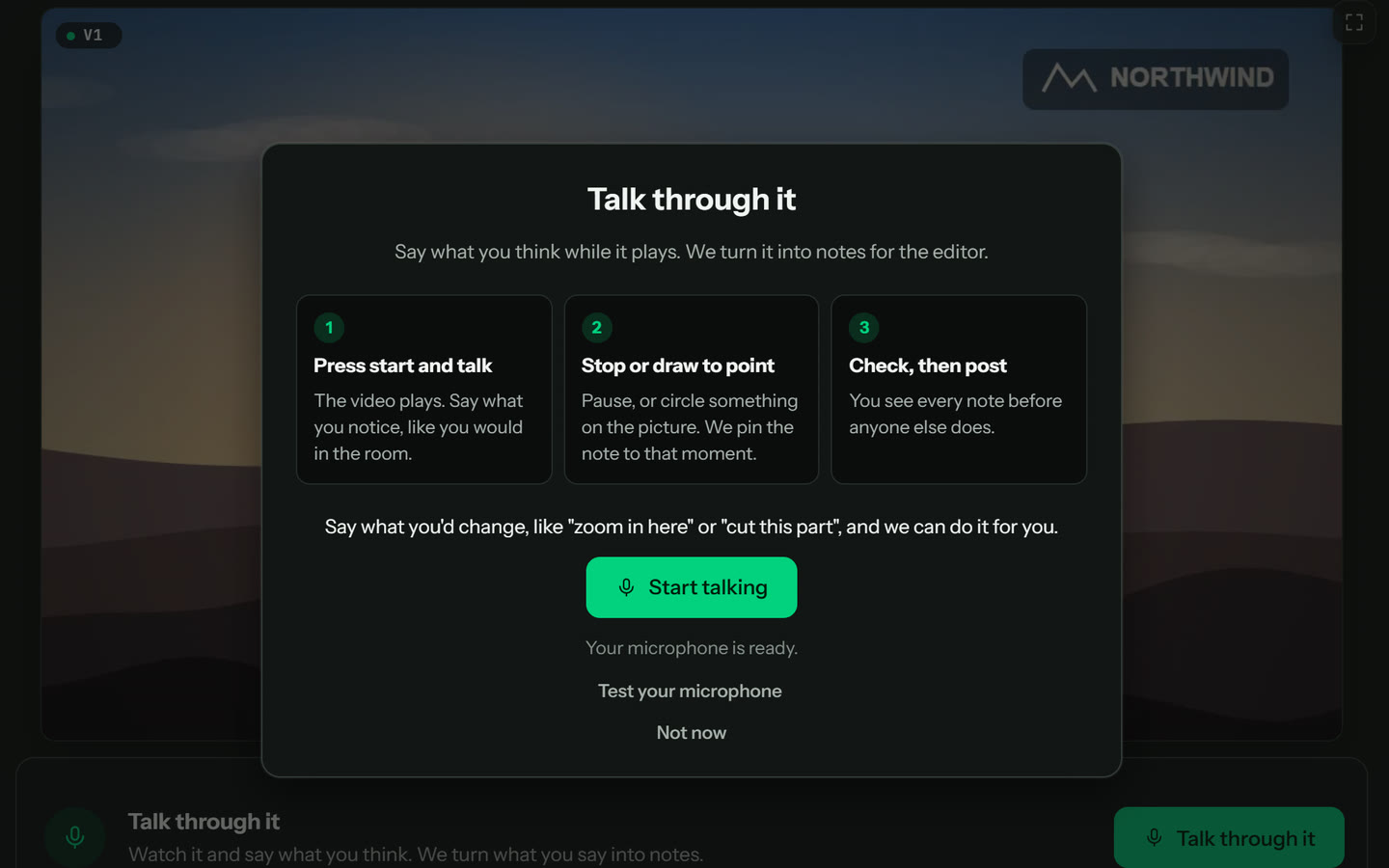
2.Read the three-line guide, once 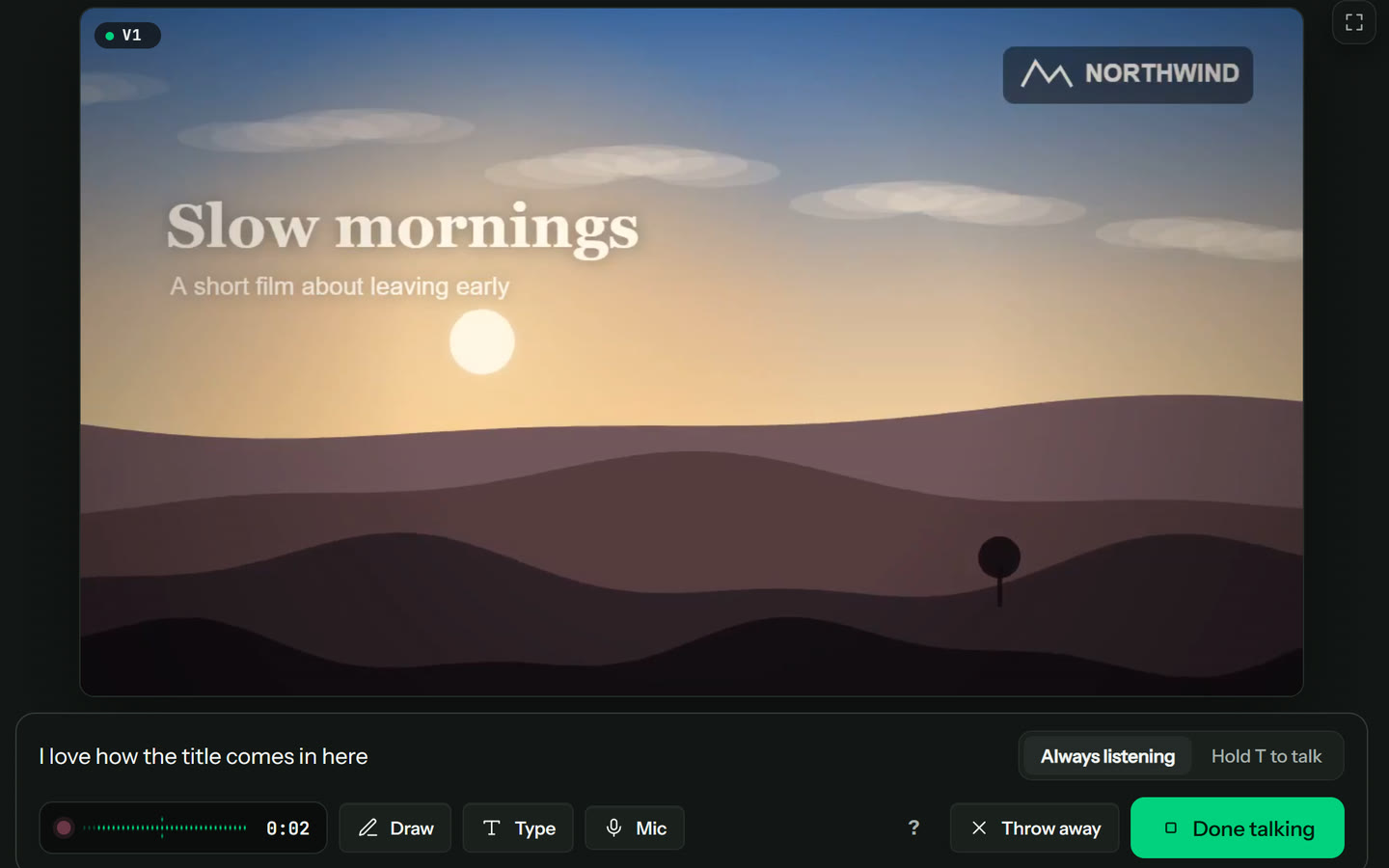
3.Talk while it plays 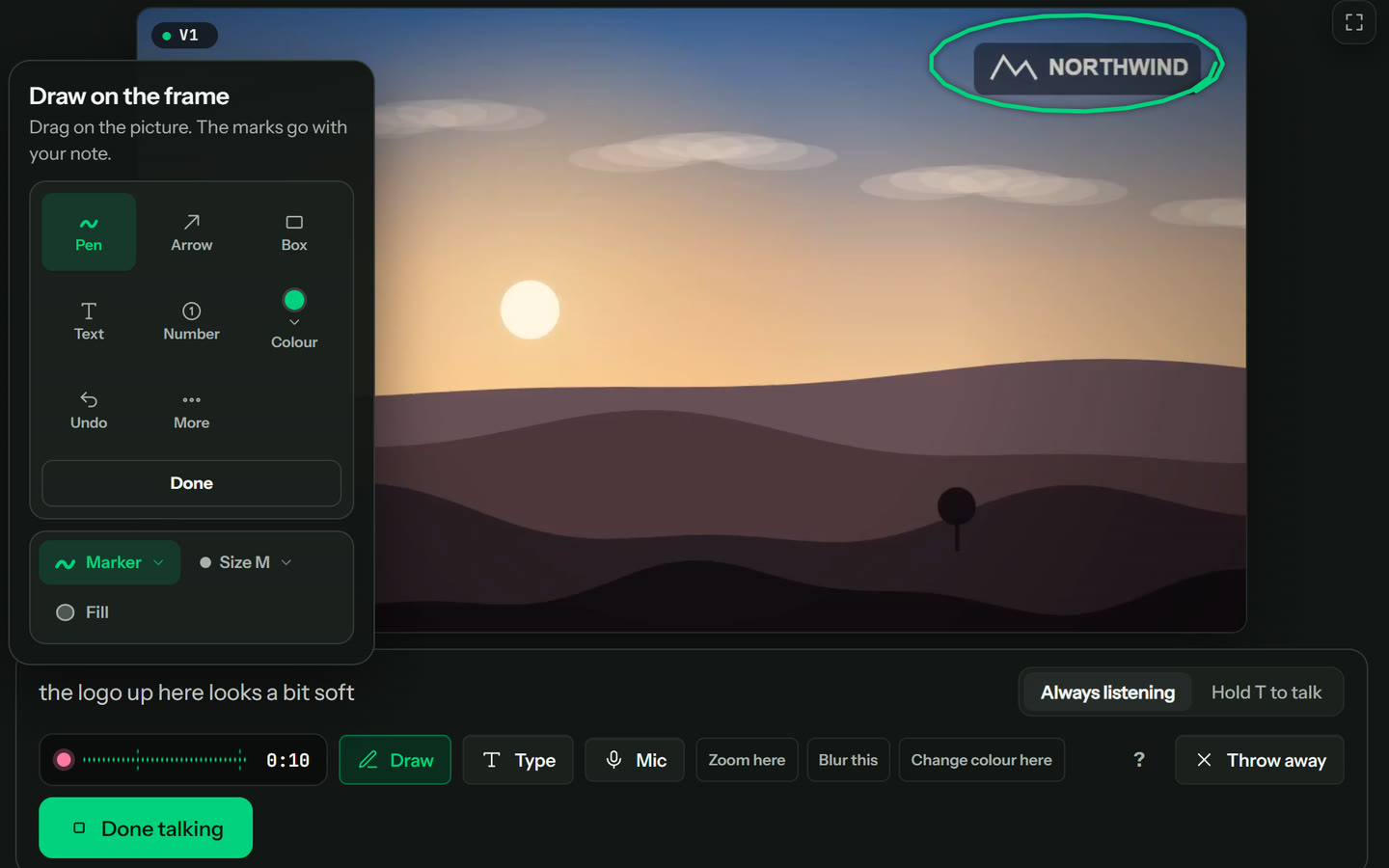
4.Draw to point 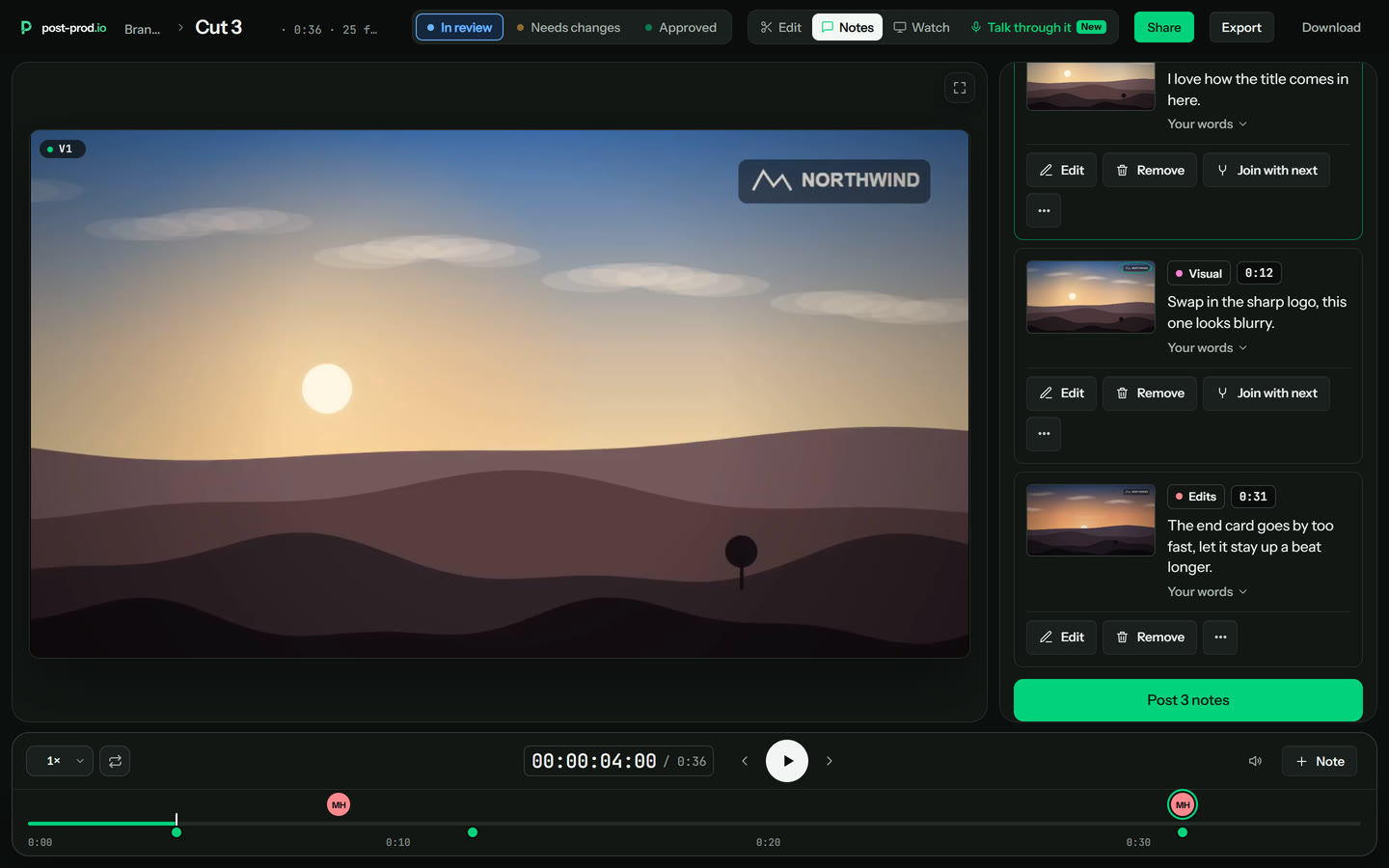
5.Check, then post
Questions
Can I just talk instead of typing?
Yes. Press Talk through it in a review, say what you think while the video plays, and pause or draw on the picture to point at something. Each point becomes its own short note on the exact frame (or a stretch like 0:12–0:20), with your own words kept underneath. You check the notes, then post. Guests can do it from a review link with no account. Typing a note and recording a voice note work exactly as before.
Can it make the changes for me?
Often, yes. Say what you'd change, like “zoom in here”, “add subtitles here”, “blur this”, “cut this part”, “speed this up”, “make it warmer” or “turn the music down here”, and post-prod offers to make the change. It lands as a suggested edit in Edit, so your editor plays it and keeps or drops it, and the right fix is made first time. The time comes from when you said it, and the area from what you drew.
How is this different from a voice note?
A voice note is one recording on one frame, written out as clean text. Talk through it is a whole take: you talk while the video plays, and each point you make becomes its own note on the frame where you said it, with your drawing. Both stay; use whichever suits the moment.
Do guests need an account to talk through a video?
No. A guest on a review link presses Talk through it, allows the microphone and talks. Nothing is posted until they check the notes and press Post.
What if the microphone is the wrong one, or I change my mind?
Press Mic in the bar to pick another microphone. Press Throw away to drop the take and go back to where you were; you can undo it for a few seconds.
Get started
Every review tool. $10 per admin a month ($8 billed yearly). Unlimited guests. Cancel any time.